

Ubuntu Software Center (consigliato)
Puoi facilmente ottenere ONLYOFFICE Desktop Editors usando il centro software preinstallato. Basta cercare ONLYOFFICE lì.  Nota: Software Center potrebbe trovare due app ONLYOFFICE. Scegli quello chiamato onlyoffice-desktopeditors.
Nel terminale
Questo metodo utilizza snapd, che è preinstallato in Ubuntu 22.04. Apri il terminale (Ctrl + Alt + T) e digita questo comando: snap install onlyoffice-desktopeditors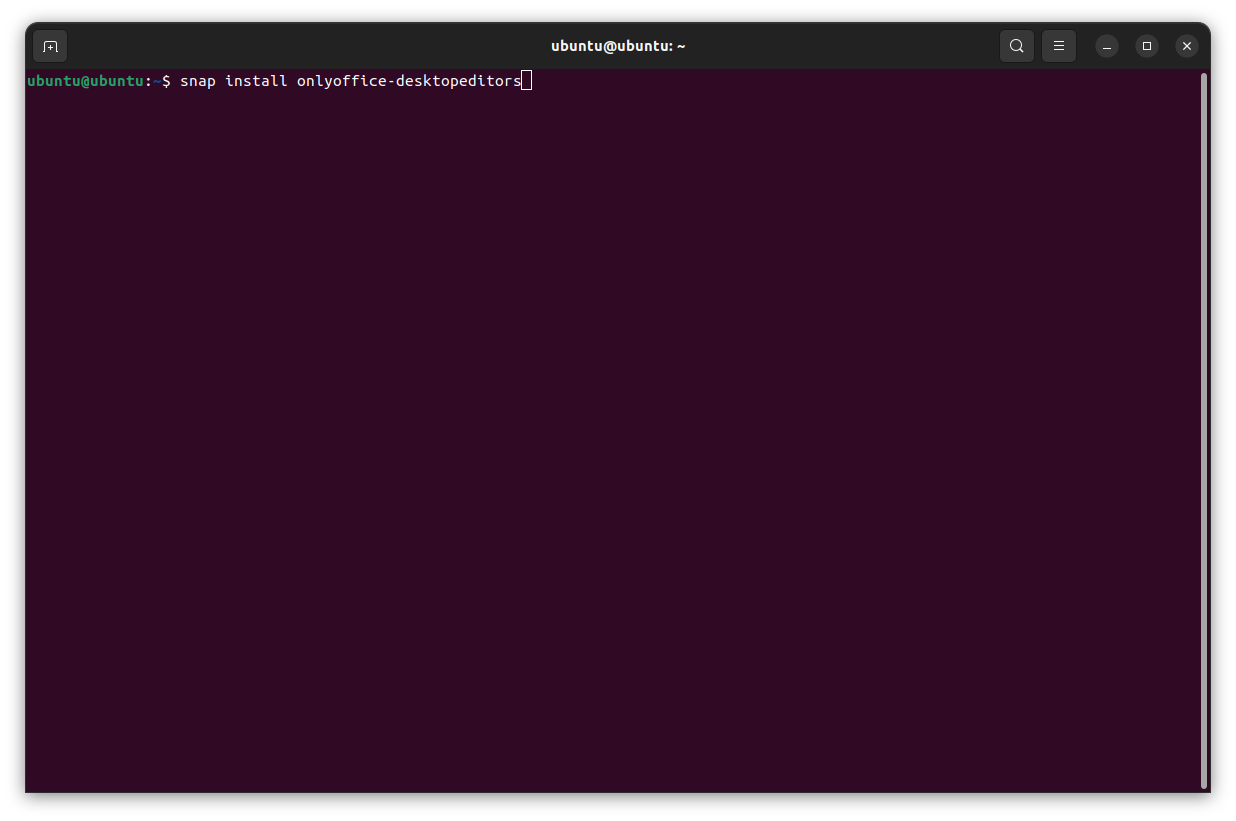
Con file DEB ufficiali
Un’altra opzione è scaricare i file DEB di installazione dal nostro sito Web ufficiale.

Per installare DEB usando il commando apt : sudo apt install path_to_deb_file
Per installare DEB usando il commando dpkg : sudo dpkg -i path_to_deb_file
Ci sono ancora più modi per ottenere ONLYOFFICE Desktop Editors per Ubuntu :
La suite desktop di ONLYOFFICE è gratuita e disponibile su qualsiasi derivato di Ubuntu.





Nessun commento:
Posta un commento